---
area: "Learn"
parent: "Network & caching chapter"
url: "https://unpoly.com/learn/network-issues"
---
# Handling network issues
Unpoly keeps your application usable as the user's connection becomes [flaky](#flaky-connections) or [goes away entirely](#disconnects). A failed request never replaces your page with the browser's error screen. Instead you decide what happens: show a message, offer a retry, or serve pages the user has already visited from the cache.
When the server does respond, but with an error code, see [Handling error responses](https://unpoly.com/learn/error-responses.md).
## Disconnects {#disconnects}
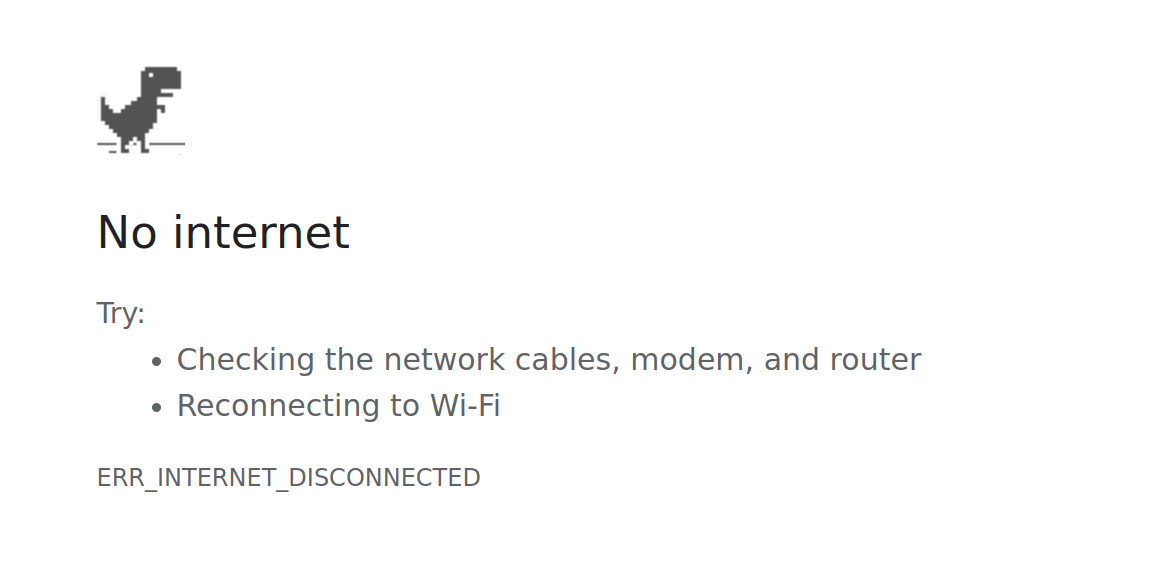
In a vanilla HTML document, clicking a link while offline will replace your app with a standard error screen, no questions asked:
Chrome's "No internet" page, with suggestions to check the network cables and reconnect to Wi-Fi, and the error code `ERR_INTERNET_DISCONNECTED`.
Interacting with an Unpoly-enhanced [link](https://unpoly.com/api/up-follow.md) or [form](https://unpoly.com/learn/submitting-forms.md) while offline will _not_ change the page. Instead Unpoly emits an [`up:fragment:offline`](https://unpoly.com/api/up:fragment:offline.md) event and lets you decide how to handle the connection loss. Without a listener, the page stays as it is and the user gets no feedback, so most apps should register one.
### Retrying failed requests {#retrying}
A global listener can offer to retry the failed update by calling `event.retry()`:
```js
up.on('up:fragment:offline', function(event) {
if (confirm('You are offline. Retry?')) event.retry()
})
```
To handle connection loss for a single link or form, pass an [`{ onOffline }`](https://unpoly.com/api/up.render.md#options.onOffline) option to the rendering function. The callback receives the same event:
```js
up.follow(link, {
onOffline(event) {
if (confirm('You are offline. Retry?')) event.retry()
}
})
```
In HTML, set an [`[up-on-offline]`](https://unpoly.com/api/up-follow.md#up-on-offline) attribute with a JavaScript snippet:
```html
Post bid
```
### Substituting content {#substituting-content}
Instead of retrying, the listener may also render something else, like an offline notice:
```js
up.on('up:fragment:offline', function(event) {
up.render(event.renderOptions.target, { content: "You are offline." })
})
```
Requests made with [`up.request()`](https://unpoly.com/api/up.request.md) are not rendered, so they emit no [`up:fragment:offline`](https://unpoly.com/api/up:fragment:offline.md) event. Their promise rejects with an `up.Offline` error, and an [`up:request:offline`](https://unpoly.com/api/up:request:offline.md) event is emitted.
### Expired pages remain accessible while offline {#offline-cache}
Even without a connection, [cached content](https://unpoly.com/learn/caching.md) remains navigable for [90 minutes](https://unpoly.com/api/up.network.config.md#config.cacheEvictAge). This means that an offline user can instantly access pages that they already visited this session.
While offline, [cache revalidation](https://unpoly.com/learn/caching.md#revalidation) of expired content will fail.
When revalidation fails, or when accessing uncached content, Unpoly runs `onOffline()` callbacks and emits [`up:fragment:offline`](https://unpoly.com/api/up:fragment:offline.md). The page will not be changed unless your code says so.
### Preloading links before disconnects {#preloading-links-before-disconnects}
You can use an [`[up-preload="insert"]`](https://unpoly.com/api/up-preload.md#up-preload) attribute to eagerly preload links as soon as they are inserted into the DOM. This way they remain navigable while offline:
```html
≡ Menu
```
### Limitations to offline support {#limitations-to-offline-support}
While Unpoly lets you handle disconnects, some parts are missing for full "offline" support:
- To fill up the cache the device must be online for the first part of the session (warm start)
- The cache is still in-memory and dies with the browser tab
For a comprehensive offline experience (cold start) we recommend a [service worker](https://web.dev/articles/offline-cookbook).
## Flaky connections {#flaky-connections}
Often the device reports a connection, but we're _effectively offline_:
- Smartphone in an EDGE cell
- Car driving into a tunnel
- Overcrowded Wi-Fi with massive packet loss
Unpoly handles flaky connections with _timeouts_. A request that times out also runs `onOffline()` callbacks and emits [`up:fragment:offline`](https://unpoly.com/api/up:fragment:offline.md). This means that your [disconnect handling](#disconnects) covers flaky connections as well.
All requests have a [default timeout of 90 seconds](https://unpoly.com/api/up.network.config.md#config.timeout). You may use different timeouts for individual requests by passing a [`{ timeout }`](https://unpoly.com/api/up.render.md#options.timeout) option or by setting an [`[up-timeout]`](https://unpoly.com/api/up-follow.md#up-timeout) attribute:
```html
Generate report
```
## Slow server responses {#slow-server-responses}
Even with a good connection, your server may take long to render an expensive page. This is what happens while the user waits:
1. When a request takes [longer than 400 ms](https://unpoly.com/api/up.network.config.md#config.lateDelay), Unpoly emits [`up:network:late`](https://unpoly.com/api/up:network:late.md) and shows the [progress bar](https://unpoly.com/learn/progress-bar.md).
2. When the response arrives, Unpoly emits [`up:request:loaded`](https://unpoly.com/api/up:request:loaded.md). For a request that renders a fragment, [`up:fragment:loaded`](https://unpoly.com/api/up:fragment:loaded.md) follows, and the response is processed like any other.
3. When no response arrives within the [timeout](#flaky-connections), Unpoly emits [`up:request:offline`](https://unpoly.com/api/up:request:offline.md) and [`up:fragment:offline`](https://unpoly.com/api/up:fragment:offline.md), as it would for a [disconnect](#disconnects). Since no response arrived, [`up:fragment:loaded`](https://unpoly.com/api/up:fragment:loaded.md) is not emitted.
Once no slow requests are left, Unpoly emits [`up:network:recover`](https://unpoly.com/api/up:network:recover.md) and hides the progress bar.
While the user waits, you can also show [loading state](https://unpoly.com/learn/loading-state.md) within the targeted fragment.