
up.radio
[up-flashes]
HTML attribute
Use an [up-flashes] element to show confirmations, alerts or warnings.
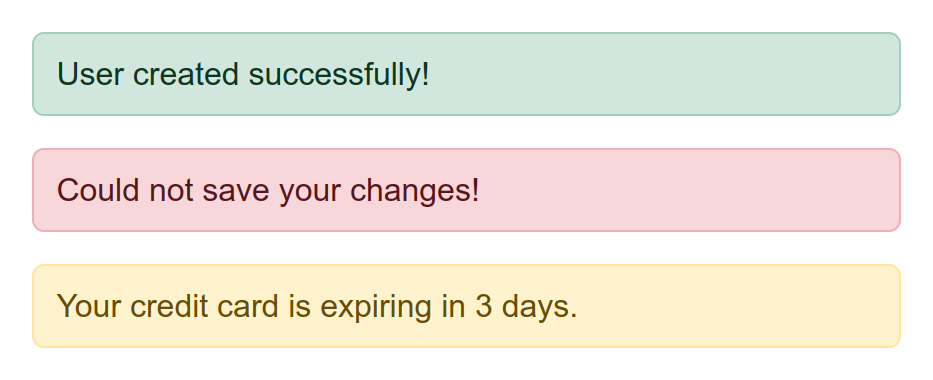
Three flash messages stacked on top of each other: a confirmation ("User created successfully!"), an error ("Could not save your changes!") and a warning ("Your credit card is expiring in 3 days."). Each kind has its own color, so the user can tell them apart at a glance.
Your application layout should have an empty [up-flashes] element to indicate where flash messages should be inserted:
<nav>
  Navigation items ...
</nav>
<div up-flashes></div> <!-- mark-line -->
<main>
  Main page content ...
</main>
To render a flash message, include an [up-flashes] element in your response.
The element's content should be the messages you want to render:
<div up-flashes>
  <strong>User was updated!</strong>
</div>

<main>
  Main response content ...
</main>
See notification flashes for more details and examples.
Modifying attributes
Animation
The name of a transition to morph between the old and new notification flashes.
The duration of the transition in milliseconds.
The timing function that controls the acceleration of the transition.